
How to Translate Transcriptions to Any Language with One Click
You can translate any transcription — from a podcast, YouTube video, meeting recording, or voice note — into 90+ languages in seconds using TranscribeGo. Upload your file or paste a URL, get the transcript, pick a target language, and download. No separate translation tool needed.
The global machine translation market is projected to reach $2 billion by 2030, growing at 12.3% annually (Mordor Intelligence). That growth reflects a simple reality: content creators, businesses, and students need their audio and video content accessible across languages — fast and affordably.
This guide walks you through translating transcriptions step by step, compares your options, and shows you how TranscribeGo handles the entire workflow in one place.
Why Translate Your Transcriptions?
Before diving into the how-to, consider why translated transcriptions matter:
Reach a global audience. If you publish podcasts, YouTube videos, or online courses, translating your transcript (or exporting translated subtitles) can open your content to billions of non-English speakers. Over 60% of internet users prefer consuming content in their native language, according to a CSA Research study.
Improve SEO in multiple markets. Translated transcripts give search engines indexable text in each target language. A Spanish version of your podcast transcript can rank for Spanish-language queries you'd never appear for otherwise.
Create multilingual subtitles. Translated transcriptions can be exported as SRT files and added directly to your videos on YouTube, TikTok, or Vimeo. Check out our guide on how to add subtitles to videos for social media for the full workflow.
Accessibility and compliance. Many organizations need multilingual documentation for legal, academic, or accessibility requirements.
How to Translate a Transcription in TranscribeGo (Step by Step)
Step 1: Upload Your Audio or Video File
Go to transcribego.com and sign in (or create a free account). From the Transcribe page, you can drag and drop any audio or video file, record directly, or paste a URL from YouTube, TikTok, Vimeo, and other platforms.
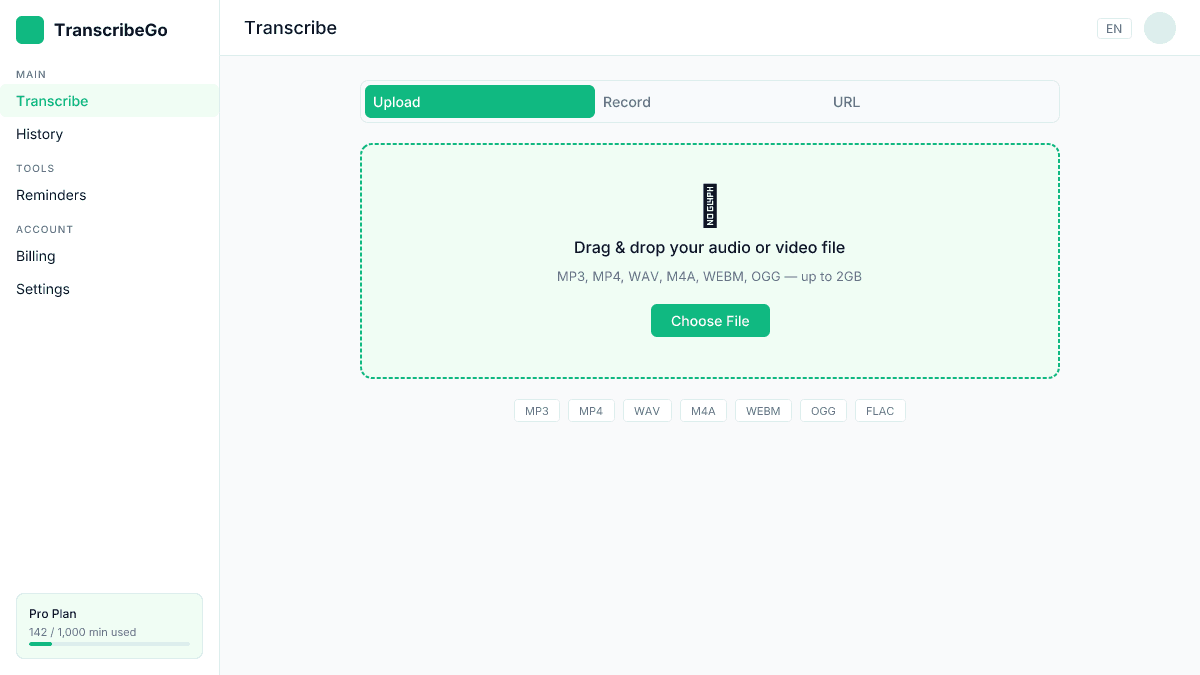
TranscribeGo supports MP3, MP4, WAV, M4A, WEBM, OGG, and many other formats. There's no need to convert your files first.
Step 2: Get Your Transcription
Once uploaded, our AI transcription engine processes your audio and delivers a transcript in the original language. This typically takes under 30 seconds for files up to 10 minutes, with accuracy rates of 95–98% across supported languages.
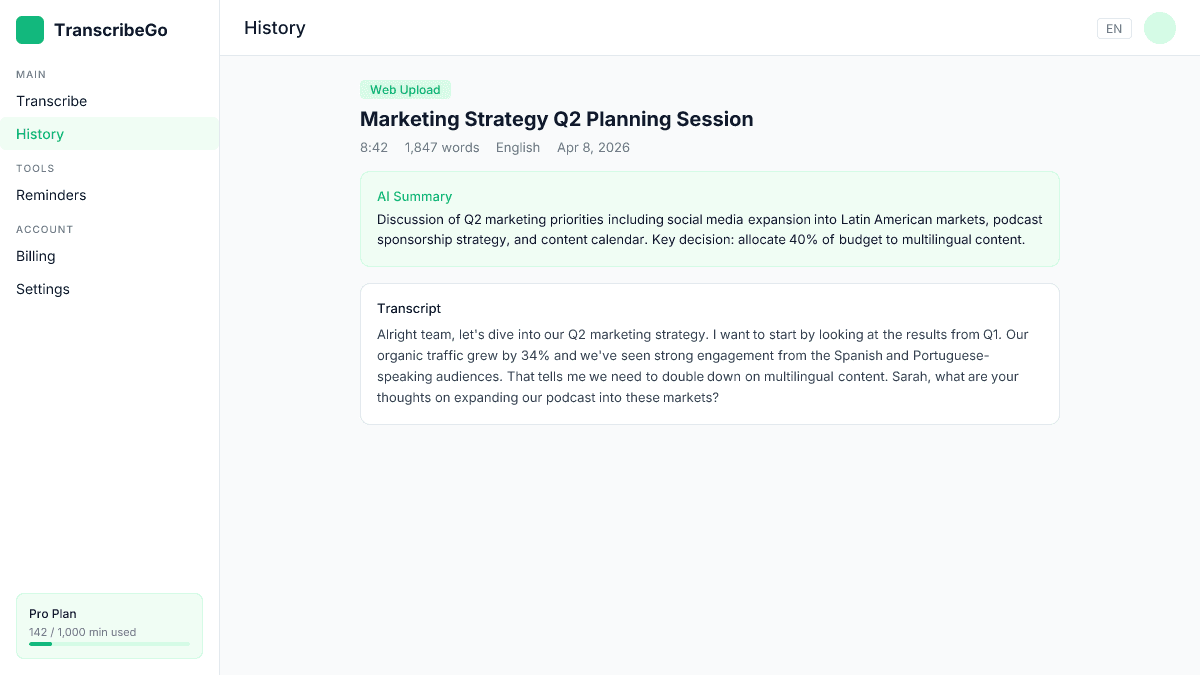
You'll see the detected language, word count, duration, and an AI-generated summary of the content. Review the transcript before translating — the cleaner the source text, the better the translation quality.
Step 3: Choose Your Target Language
Below the transcript, you'll find the translation section. Browse or search through 90+ available languages and select the one you need. Popular options include Spanish, French, Portuguese, German, Chinese, Japanese, Arabic, Hindi, and Korean — but dozens more are available.
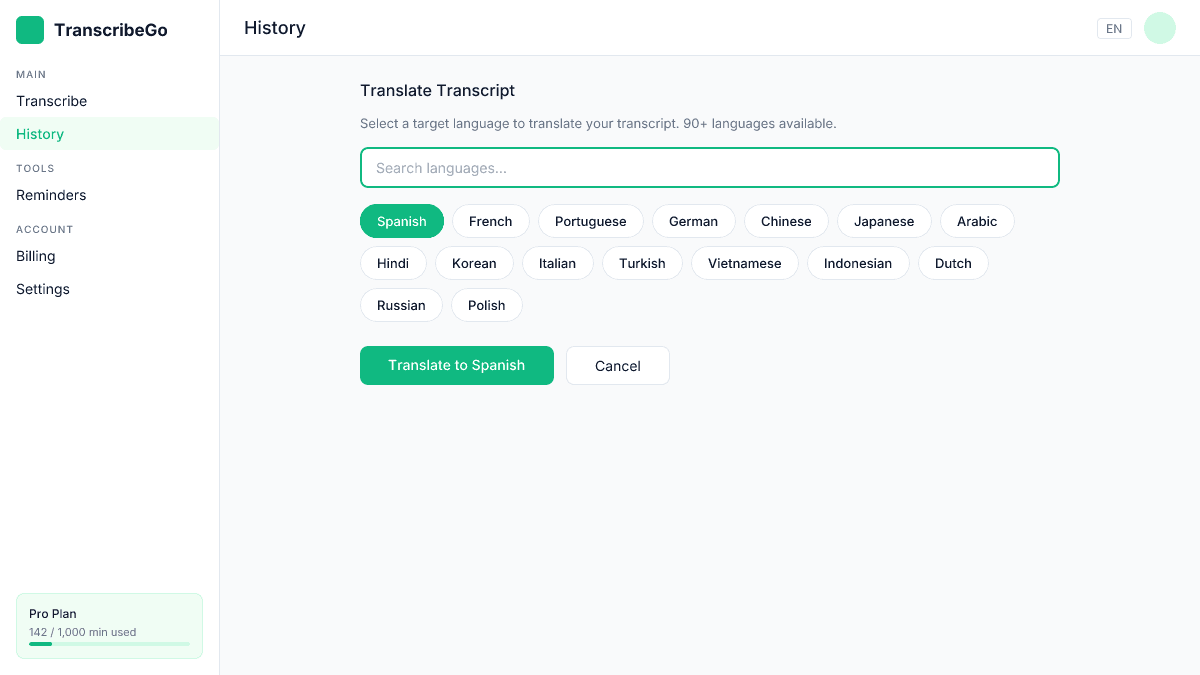
Click the language chip and TranscribeGo translates the entire transcript instantly. The translation preserves paragraph structure and formatting.
Step 4: Download or Export
Once translated, you can copy the text, download it as a plain text file, or export it as an SRT subtitle file in the translated language. The SRT export is especially powerful — you get ready-to-use subtitles in any language without touching a subtitle editor.
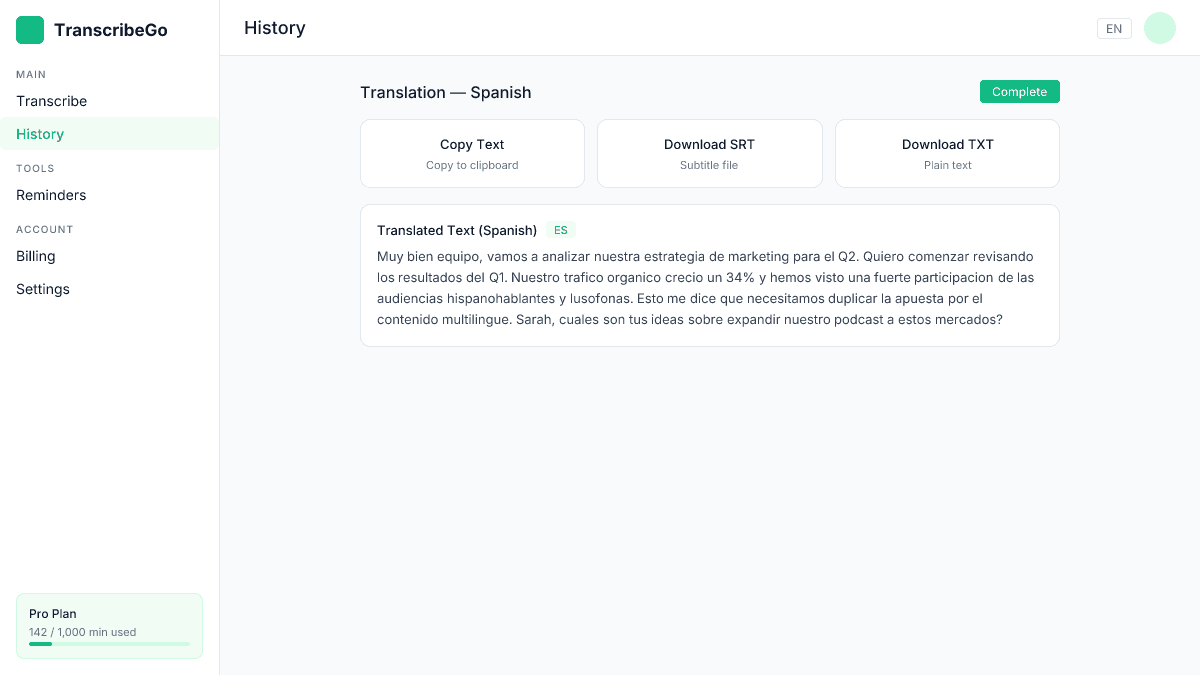
If you need subtitles in multiple languages, repeat the translation step for each language and download separate SRT files. For a deeper dive into the SRT format, see our complete guide to SRT files.
Translating URL Transcriptions (YouTube, TikTok, Vimeo)
One of TranscribeGo's most popular features is URL transcription. Paste a YouTube, TikTok, or Vimeo link, and TranscribeGo extracts the audio, transcribes it, and gives you the same translation options.
This is particularly useful for content creators who want to repurpose foreign-language videos or add multilingual subtitles to their content. The entire process — from URL to translated transcript — takes under a minute for most videos.
How TranscribeGo Compares to Other Translation Workflows
| Feature | TranscribeGo | Separate tools (transcription + Google Translate) | Sonix | Happy Scribe |
|---|---|---|---|---|
| Languages | 90+ | 130+ (translation only) | 54+ | 50+ |
| Transcription + translation in one app | Yes | No (2 separate steps) | Yes | Yes |
| URL transcription (YouTube, TikTok) | Yes | No | No | No |
| SRT export in translated language | Yes | No | Yes | Yes |
| WhatsApp voice note support | Yes | No | No | No |
| Free tier | 10 min/month | Unlimited (lower quality) | No free tier | Limited |
| Starting price | $3.99–$6.99/mo | Free | $10/mo | $10/mo |
The key advantage of an integrated tool like TranscribeGo is workflow efficiency. Copying a transcript into Google Translate works for quick tasks, but you lose formatting, timestamps, and subtitle structure. Dedicated platforms preserve all of that — and TranscribeGo adds URL transcription and WhatsApp support that competitors don't offer.
Tips for Better Translation Quality
1. Review the source transcript first. AI translation quality depends heavily on the input text. Fix any transcription errors, remove filler words, and ensure sentences are complete before translating.
2. Choose the right source language. TranscribeGo auto-detects the spoken language, but if your audio contains multiple languages or code-switching, you may want to verify the detected language is correct.
3. Use translated SRT files for subtitles. Rather than translating subtitles separately, translate the full transcript and export as SRT. This gives you properly timed subtitles in the target language.
4. For professional use, review the output. AI translation handles conversational and general content extremely well, but specialized terminology (medical, legal, technical) may need a quick human review. The AI-powered document translation market is growing at 22.4% annually (The Business Research Company), reflecting increasing trust in AI quality — but a final check never hurts for critical content.
Real-World Use Cases
Podcasters who want to reach Spanish-speaking audiences can transcribe their English episodes, translate to Spanish, and publish the translated transcript as show notes or blog content. This alone can significantly boost discoverability in new markets.
Students studying in a foreign language can transcribe lectures and translate them for review. See our guide on TranscribeGo for students for more study workflows.
Journalists conducting interviews in one language can get instant translations for reporting in another. We cover this in depth in our upcoming journalist guide.
Social media managers can take a viral TikTok in any language, transcribe it, translate the content, and repurpose it for their own market.
Try TranscribeGo Free
10 free minutes. No credit card required.
How many languages does TranscribeGo support for translation?▾
TranscribeGo supports translation into 90+ languages, including Spanish, French, Portuguese, German, Italian, Chinese, Japanese, Korean, Arabic, Hindi, Turkish, Indonesian, Vietnamese, and many more. The full list is available in the translation panel after you create a transcript.
Can I translate a YouTube video transcript into another language?▾
Yes. Paste the YouTube URL into TranscribeGo, wait for the transcription, then select your target language. You can also export the translated text as an SRT subtitle file. This works with TikTok, Vimeo, and other supported platforms too.
Is the translation included in the free plan?▾
Yes. TranscribeGo's free plan includes 10 minutes of transcription per month, and translation is available on all plans at no extra cost. You can translate any transcript into any supported language without additional charges.
How accurate is AI translation compared to human translation?▾
Modern AI translation delivers excellent results for conversational, general, and semi-technical content. For most use cases — blog posts, subtitles, meeting notes, social media — the quality is production-ready. For highly specialized fields like medical or legal translation, a quick human review is recommended.
Can I get translated subtitles (SRT files) from TranscribeGo?▾
Absolutely. After translating your transcript, click the SRT download button to get a properly formatted subtitle file in the target language. The timing information from the original transcription is preserved, so the subtitles sync with your video automatically.
