
You know the drill. The doctor says "take this every day at 9am with food", you nod confidently, and three days later you're staring at the pill bottle at 11pm wondering if you already took it today. You're not alone: studies show that roughly half of all patients don't take their medications as prescribed, and the number one reason isn't cost or side effects. It's simply forgetting.
Pill tracker apps exist, but they share a fatal flaw: you have to remember to open them. TranscribeGo takes a different approach. You send one message on WhatsApp, the app you already open 50 times a day, and you get reminded automatically. Every single day, at the exact time you need it. No downloads, no setup wizards, no learning curve.
How to set a daily medication reminder (3 steps)
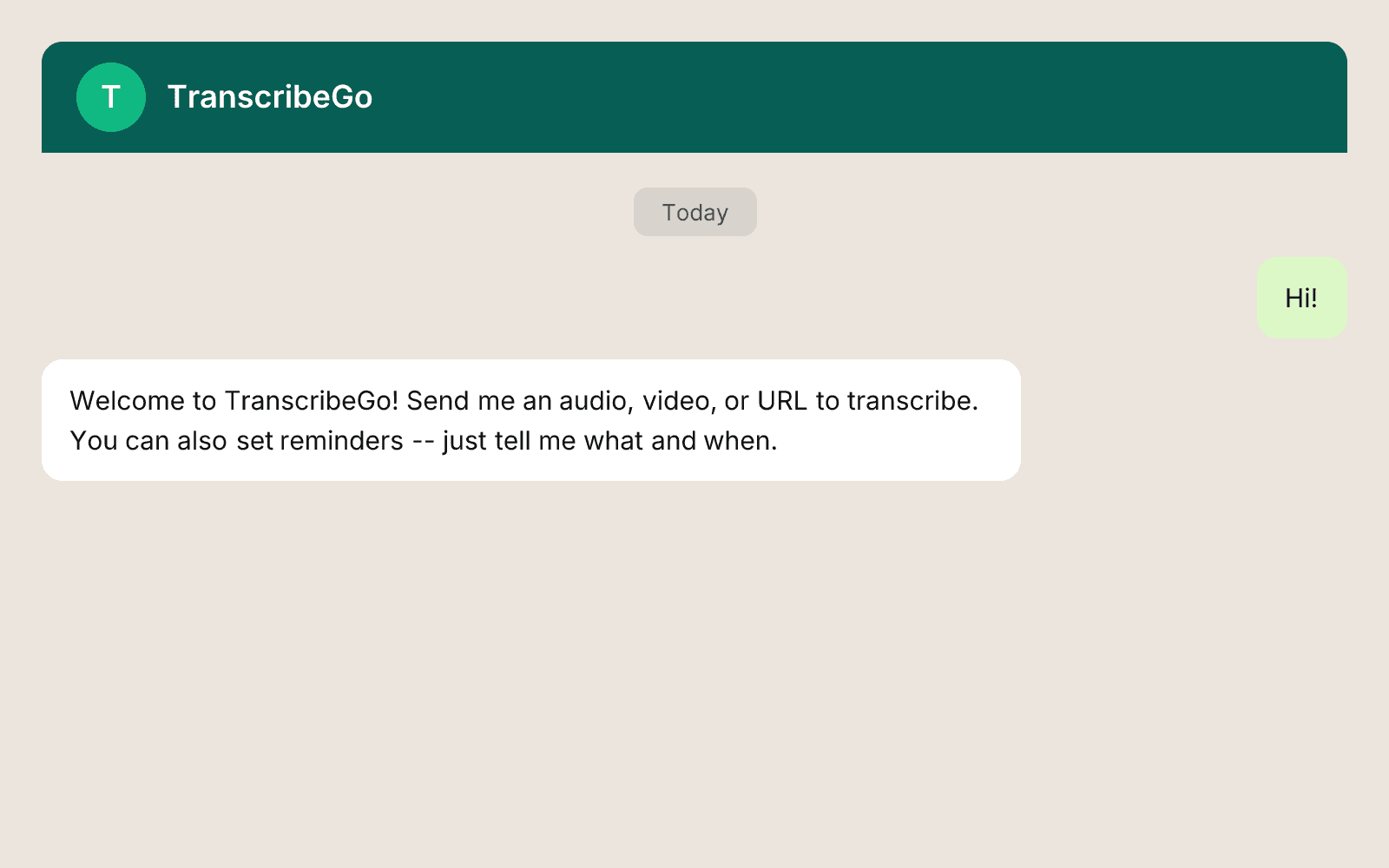
Step 1: Open the TranscribeGo chat on WhatsApp
Search for TranscribeGo in your WhatsApp contacts, or tap here to start a chat. If you've never used TranscribeGo before, just send any message to activate your free account.
Step 2: Send a voice note or text with your reminder
Say or type something like:
- "Remind me to take my blood pressure pill every day at 9am"
- "Take thyroid medication every morning at 7:30"
- "Vitamins after lunch every day at 1pm"
You don't need to use any special format. Just describe what you want to remember and when. TranscribeGo understands natural language in 11 languages, so you can write in your own language.
If you prefer voice, hold the mic button and say it out loud. The AI transcribes your voice note in about 2 seconds and parses the reminder automatically.
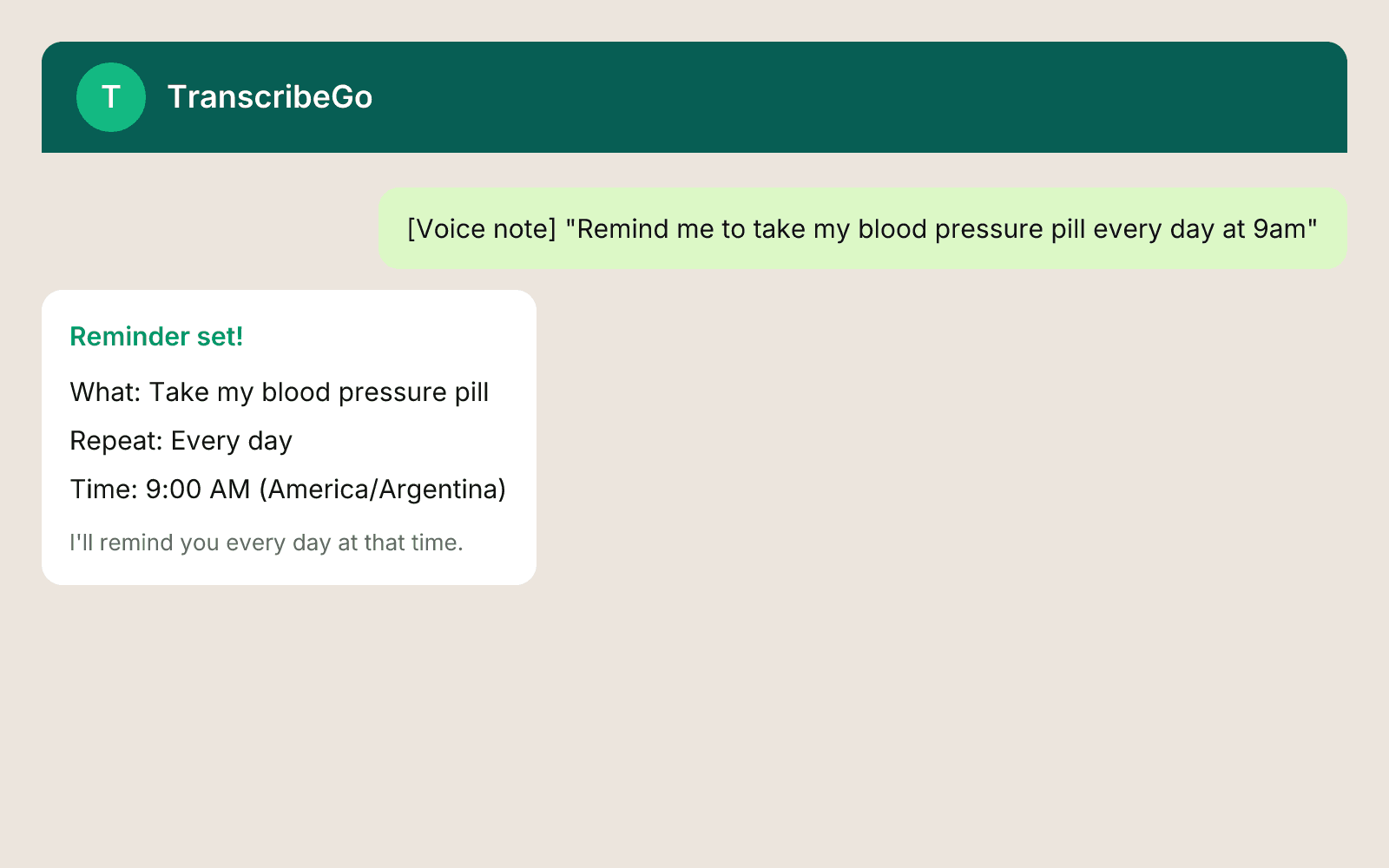
Step 3: Done. You'll get reminded every day.
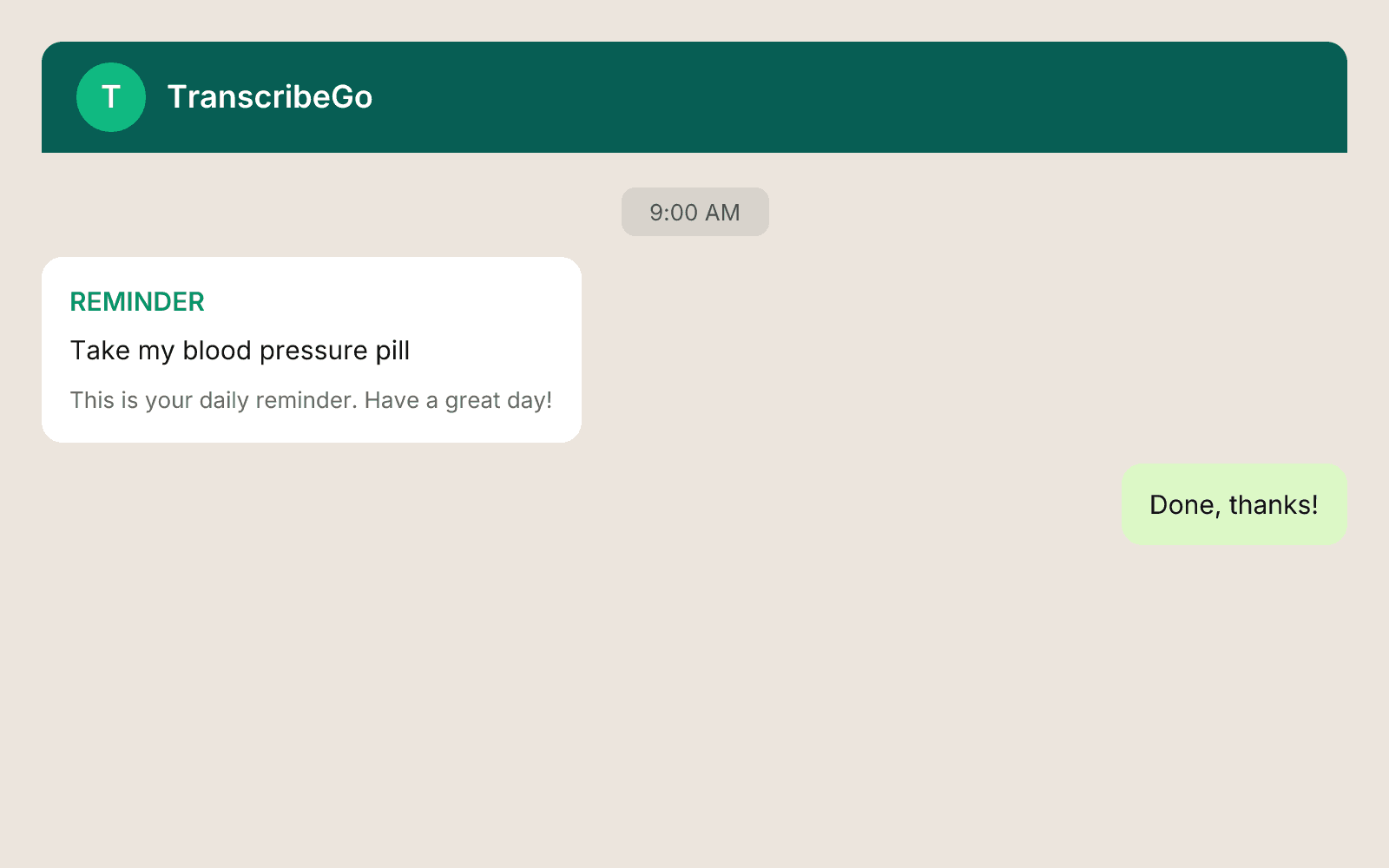
TranscribeGo sends you a WhatsApp message at 9am (or whatever time you set) every single day. It arrives like any other WhatsApp notification: on your lock screen, with sound, right in the chat. No extra app notifications to configure, no "allow notifications" popups to dismiss.
Because WhatsApp notifications are already enabled on your phone (they are, right?), medication reminders just work. Zero configuration.
Why WhatsApp beats every pill tracker app
Traditional medication reminder apps ask you to download something, create an account, enter your medication names, pick dosages, set schedules, and enable push notifications. That's 10 minutes of setup before you've been reminded of anything.
With TranscribeGo on WhatsApp, the entire setup is one message. Here's why that matters:
You already have WhatsApp open. The average user opens WhatsApp dozens of times a day. You don't have to build a new habit; you're already in the habit.
Voice input removes friction. You just left the doctor's office. You're holding a prescription. Record a voice note while walking to the pharmacy: "remind me to take metformin every day at 8am and 8pm". Done before you reach the car.
Notifications you actually see. Push notifications from niche apps get buried or silenced. WhatsApp messages get read. This is the difference between a reminder that exists and a reminder that works.
Works for elderly family members. If your parent or grandparent uses WhatsApp (and over 2 billion people do), they can set a medication reminder without learning any new technology. Send a text, get reminded. That's it.
Multiple medications? Multiple reminders.
Many people take more than one medication, often at different times. You can set as many reminders as your plan allows:
- "Thyroid pill every morning at 7am before breakfast"
- "Blood pressure medication every day at noon"
- "Iron supplement every night at 9pm"
Each one is a separate reminder with its own schedule. They all arrive as WhatsApp messages at the right time.
Tip: If you're on a Pro plan (50 active reminders), you can set reminders for an entire medication regimen in under a minute by sending each one as a separate message.
How to cancel a medication reminder
When your treatment ends or you want to stop a reminder, you have two options:
Option A: Cancel from WhatsApp
- Open the TranscribeGo chat on WhatsApp.
- Type "menu" or select the menu button.
- Tap Reminders from the options.
- You'll see a list of your active reminders.
- Tap Cancel reminder and select the one you want to stop.
The reminder is immediately deactivated. No more messages for that one.
Option B: Cancel from the web
- Go to transcribego.com and log in.
- Open the Reminders tab.
- Find the reminder you want to cancel.
- Click the delete or cancel button.
The web dashboard gives you a full view of all your reminders: active, completed, and cancelled. You can also edit the time, change the text, or pause a reminder temporarily without deleting it.
Real examples from our users
Thousands of TranscribeGo users across 80+ countries use medication reminders daily. Here are some of the most common patterns:
| What they say | What happens |
|---|---|
| "Take my pills every day at 9am" | Daily recurring reminder at 09:00 local time |
| "Remind me about antibiotics every 8 hours" | Reminder every 8 hours from creation time |
| "Eye drops Monday Wednesday Friday at 7pm" | Weekly on Mon/Wed/Fri at 19:00 |
| "Insulin before breakfast and dinner" | Two reminders: one at default morning, one at default evening time |
| "Birth control pill every night at 10" | Daily at 22:00 |
| "Finish antibiotics on May 3rd" | One-time reminder (end-of-course alert) |
The natural language parser understands complex schedules and works in all 11 TranscribeGo languages: English, Spanish, Portuguese, French, German, Italian, Hindi, Turkish, Arabic, Indonesian, and Vietnamese.
Pricing
Medication reminders are included in every TranscribeGo plan:
- Free — 3 active reminders (enough for 1-3 medications)
- Starter ($3.99-$6.99/mo) — 20 active reminders
- Pro ($12.99-$19.99/mo) — 50 active reminders
If you only need reminders for a couple of medications, the free plan has you covered. No credit card required.
Try TranscribeGo Free
10 free minutes. No credit card required.
FAQ
Do I need to download a separate app for medication reminders?▾
No. TranscribeGo works entirely inside WhatsApp. If you have WhatsApp on your phone, you're ready. Just start a chat with the TranscribeGo bot and send your first reminder.
Can I set reminders for multiple medications at different times?▾
Yes. Each reminder is independent. You can set one for 7am, another for noon, another for 9pm. They all arrive as separate WhatsApp messages at the right time.
What if my doctor changes the time or dosage?▾
You can edit any reminder from the TranscribeGo web app at transcribego.com. Change the time, text, or recurrence without deleting and recreating it. Or just cancel the old one and send a new voice note with the updated schedule.
Will it work if I travel to a different timezone?▾
Your reminders use the timezone set when you first signed up (inferred from your phone number). If you travel, you can update your timezone in the web app settings, and all future reminders will adjust to your new local time.
Can I set a reminder for someone else, like an elderly parent?▾
The easiest approach is to set up TranscribeGo on their WhatsApp. They just need to send one message to activate. Once active, they (or you, from their phone) can send a voice note like "remind me to take my heart medicine every day at 8am" and it's done.
How do I cancel a reminder when my treatment ends?▾
Two ways: (1) Open the TranscribeGo WhatsApp chat, type "menu", tap Reminders, then Cancel reminder and select the one to stop. (2) Or log in at transcribego.com, go to Reminders, and delete it from there. Either way, it stops immediately.